Phishing in 2026: 7 Email Scams Every Small Business Should Watch For
- August 28, 2026
-
365admin2015
- Outsourcing
 7 mins read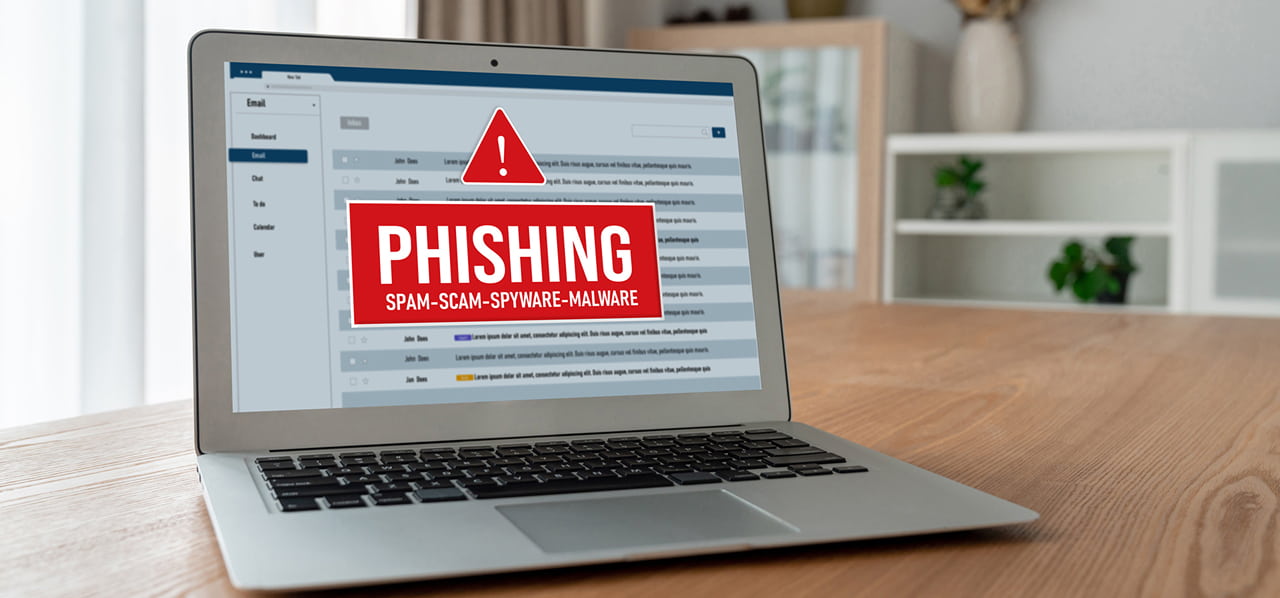
"Phishing" is when a criminal sends a fake message — usually an email — trying to trick someone into handing over money, passwords, or private information, by pretending to be someone trustworthy: a boss, a supplier, a bank, or a well-known company. It's called phishing because, like actual fishing, the attacker throws out bait and waits to see who bites.
Small businesses get targeted a lot. They usually don't have their own security team, but they still move real money and handle real customer information. The FBI's Internet Crime Complaint Center reported phishing as the single most common type of online crime in 2025 — 191,561 reports, more than any other kind — and scams pretending to be a company's own boss cost businesses $3.046 billion by themselves.
Phishing scams for small businesses can lead to stolen passwords, fraudulent payments, compromised accounts, malware, and loss of customer trust. The most effective defense is not simply recognizing suspicious emails, but building a habit of verifying unusual requests through a separate, trusted communication channel.
Email security deserves the same regular attention as website maintenance. Here are seven scams worth knowing heading into 2026, grouped by how they actually trick people.
Family 1: Emails Pretending to Be Someone You Already Trust
These four all work the same way — they borrow someone's identity instead of a stranger's, which is exactly why they're so convincing.
1. "Your Boss" Asking for Money
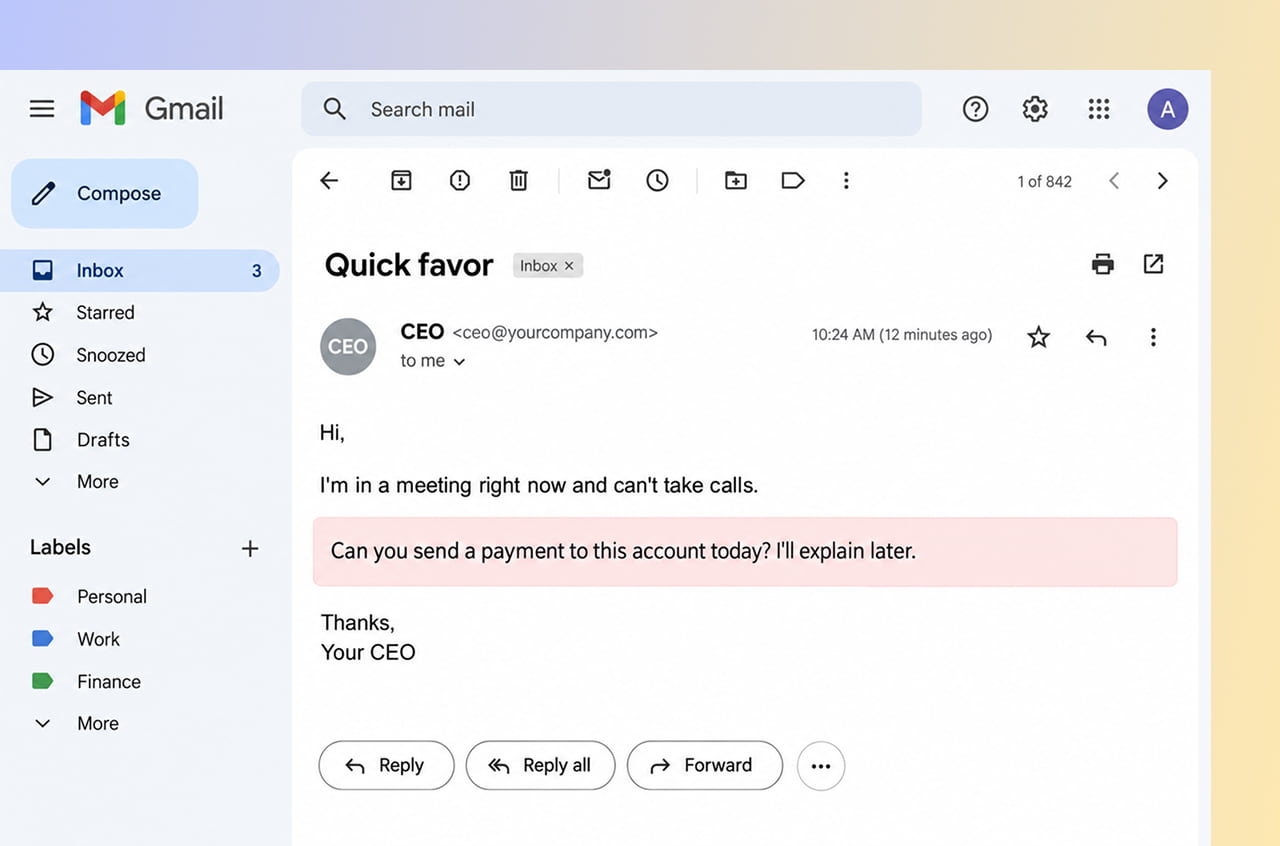
An email looks like it's from the owner or a manager, urgently asking someone to send a payment, buy gift cards, or share private information — usually while claiming to be "stuck in a meeting" and hard to reach by phone. It works because most employees want to help quickly when the boss asks for something urgent, not question it.
This one scam alone cost businesses over $3 billion in 2025. One simple rule stops it: any payment request above a set amount gets a phone call first, using a number already on file — never one written in the email.
2. A Supplier's Invoice, With the Bank Details Changed
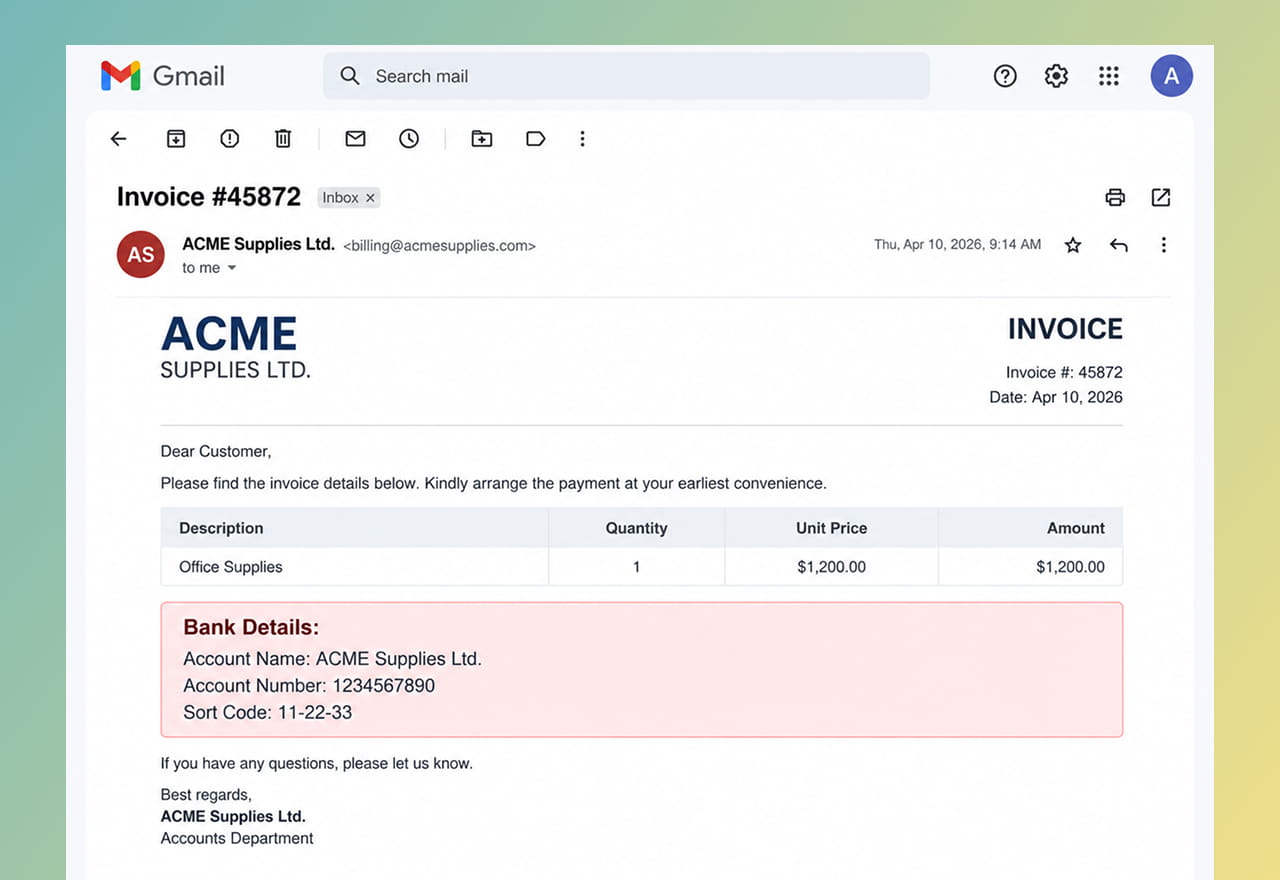
A scammer pretends to be a supplier your business already works with and sends what looks like a normal bill — except the bank account has quietly been swapped. Since the email often mentions real project details (sometimes pulled from a supplier's own hacked inbox), it can look completely genuine.
This matters most for any business handling a lot of online payments or online store orders, where bills go back and forth constantly. Before changing any payment details based on an email, call the vendor using a number from your own records — not the one in the email.
3. A Fake Version of a Real Login Page
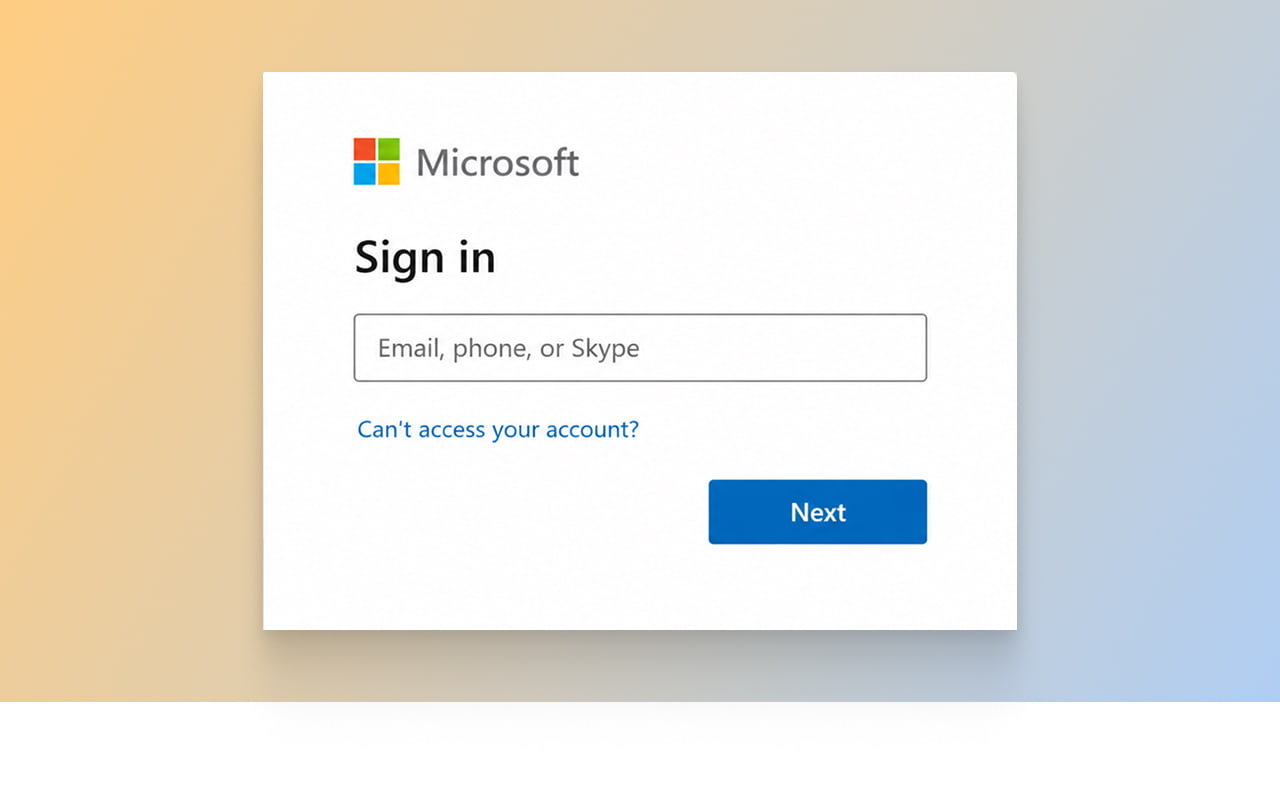
An email says there's a problem with an account — often an email or bank login — with a link to "fix" it. That link opens a fake page built to look nearly identical to the real one. The moment someone types in their username and password there, the scammer has it.
The giveaway is the web address in the browser bar, not how the page looks, since a convincing fake is easy to build. Check the actual address carefully before typing a password anywhere you reached through an email link — or better, just type the company's address in yourself.
4. A Company Name That Looks Real but Isn't
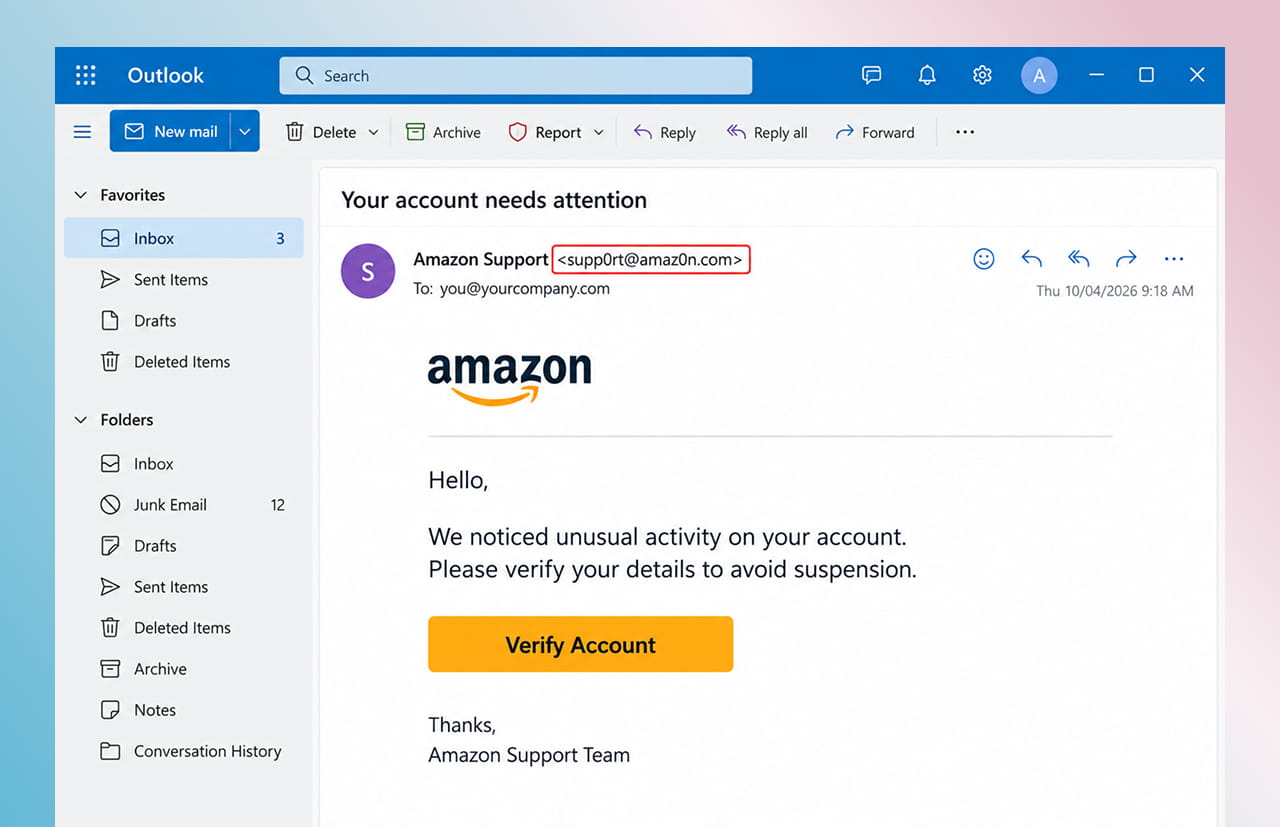
A scammer registers a web address that looks almost identical to a real one — swapping a lowercase "l" for a capital "I," adding a hyphen, or changing the ending — and sends email that, at a glance, looks like it's from a trusted supplier, partner, or even your own company.
Setting up your own domain's email security settings (behind-the-scenes records that prove which computers are allowed to send mail using your business's name) is one of the best ways to stop scammers from doing this to you. It's usually handled as part of a broader digital marketing and email setup, since it also affects whether your own real marketing emails land in inboxes instead of spam folders.
Family 2: Emails That Skip the Writing Mistakes and Go Straight for the Click
5. Emails Written by AI That Read Like a Real Person
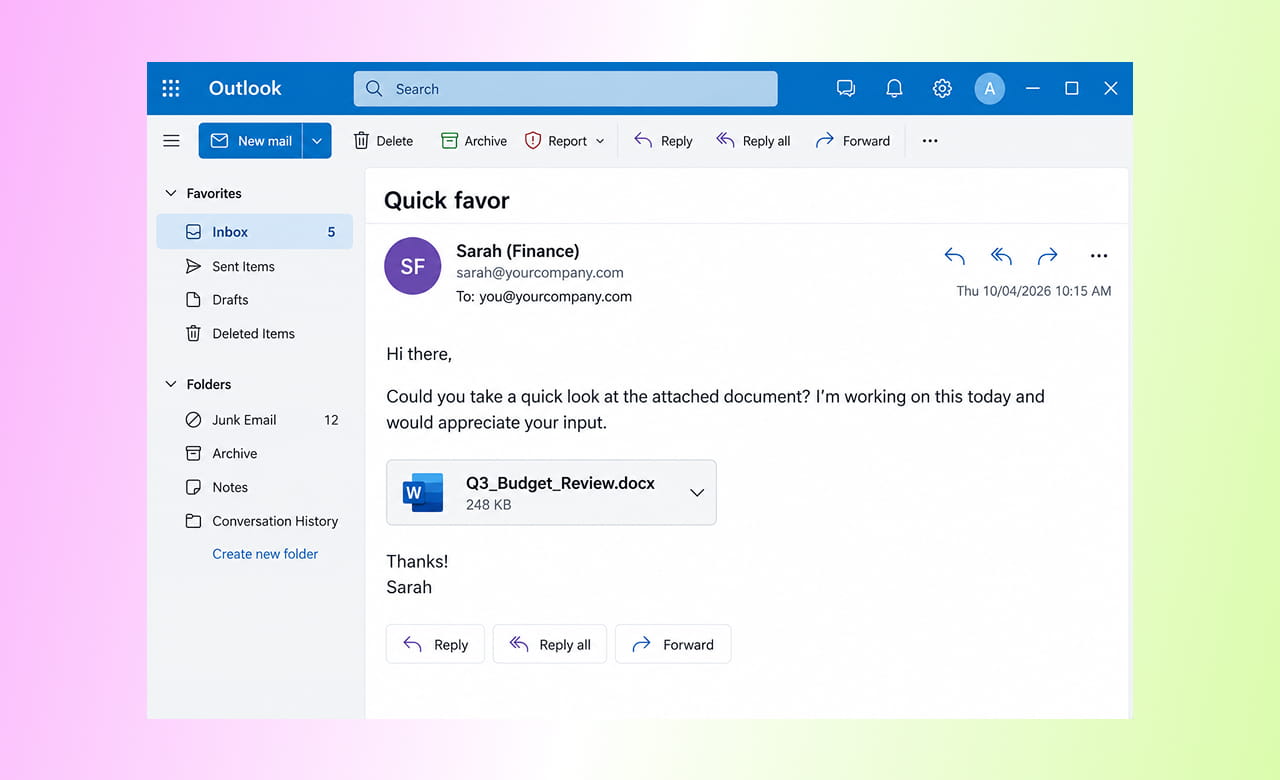
Bad grammar and awkward wording used to be an easy warning sign. Not anymore. Verizon's 2026 report on data breaches found 15 different attack methods now improved with AI — including researching a company ahead of time so the email can mention real names, real projects, or recent events.
A phishing email in 2026 can read as polished as a message from an actual coworker. Since good writing is no longer a reliable warning sign, judge emails by what they're asking for — an urgent payment, a password, private files — instead of how professional they sound.
6. A QR Code Instead of a Link
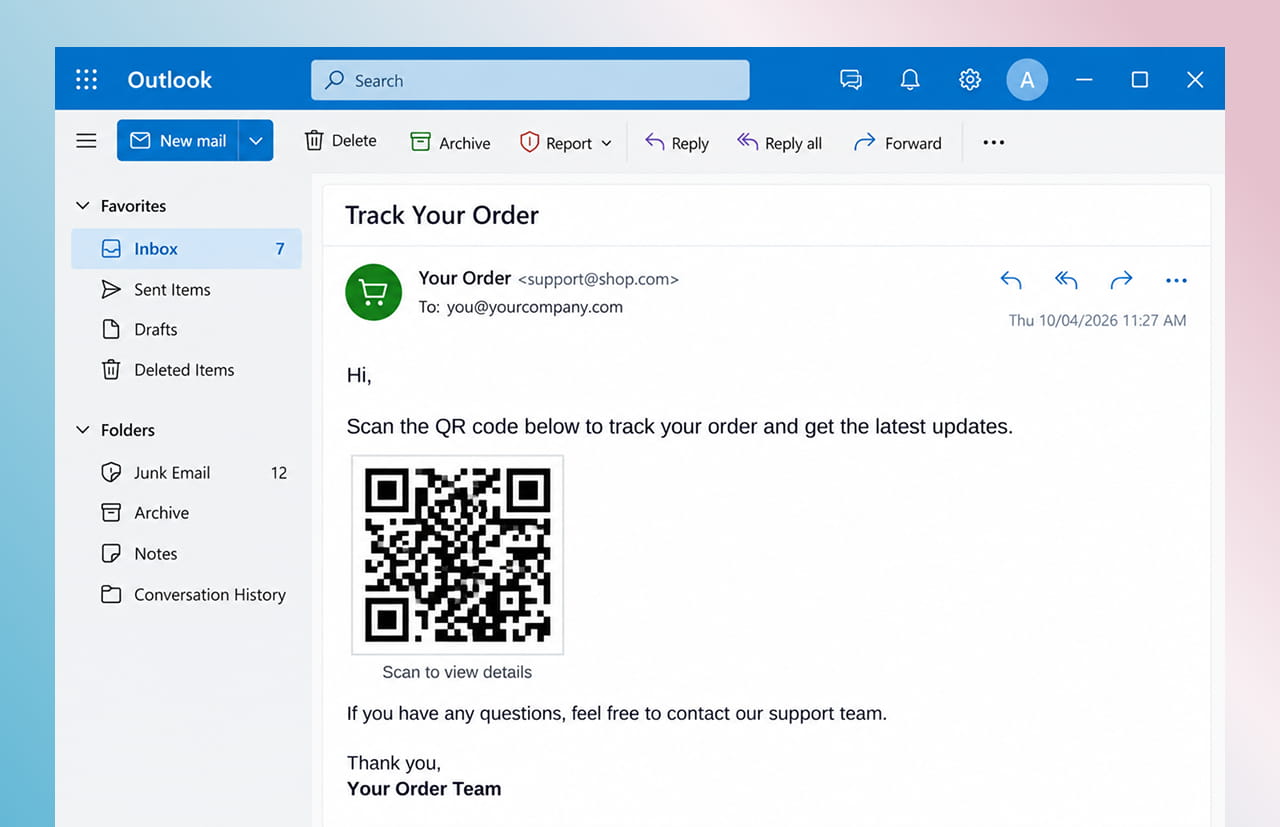
Instead of a suspicious link in the text, this scam hides a QR code and asks the reader to scan it, often disguised as a "secure document" or "delivery update." Many email filters check links in text but not codes inside images, so this can slip past protection that would normally catch a phishing attempt.
It works well because scanning happens on someone's personal phone, usually outside the company's normal security software. Verizon's research also found phishing attempts get clicked 40% more often on phones than on computers, since smaller screens make a suspicious sender or link harder to notice. Treat any unexpected QR code in a work email the same way you'd treat an unexpected link.
Family 3: Scams That Use a Voice or a Face Instead of Just Words
7. A Fake Voice or Video of Someone You Know
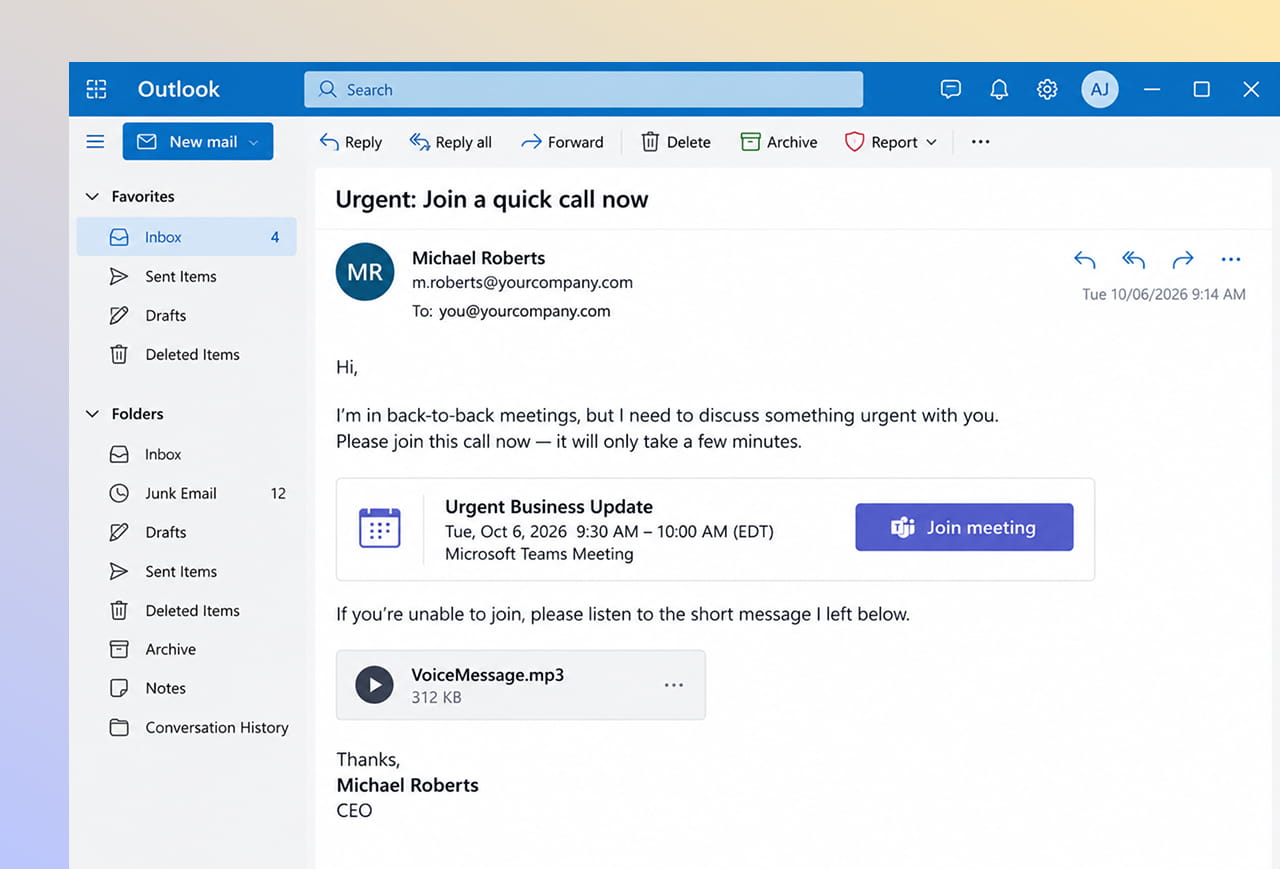
An email pushes someone to join an urgent call, sometimes followed by a voicemail or short video that sounds or looks like a real manager or executive — built using AI trained on that person's public voice or video, taken from things like an earnings call or a talk they gave. The email is just the setup; the fake audio or video is what closes the deal.
This is still a newer scam, but it's growing fast enough that security researchers are watching it closely heading into 2026. The same rule that stops the boss-impersonation scam applies here too: any unusual, urgent request involving money or private information gets checked through a different, already-known way of reaching that person — never the way the request arrived.
Phishing Scams for Small Businesses: The One Habit That Actually Stops Most of These
Seven scams can feel like seven different things to defend against, but they're really not. Look back at the advice for each one, and the same move keeps showing up: don't trust the way a message arrived — check it another way. That's not an accident. Almost every scam above depends on you staying inside one single email thread, where the scammer controls everything you can see.
Here's roughly how it plays out in a real office. An employee who handles bills gets an email that looks like it's from the company's owner, asking her to send money to a "new vendor" before the end of the day, apologizing for the short notice. It reads the way the owner usually writes, mentions a project she recognizes, and feels urgent — every reason to just do it.
Instead, she picks up the phone and calls the owner's actual cell number, one she's had for years — not the one in the email. He's never heard of the request. That two-minute phone call is the entire difference between a normal day and money that isn't coming back.
Once that habit is in place, most of the seven scams above stop looking like seven separate problems and start looking like the same one wearing different outfits:
| If a message... | Do this... |
| Pushes you to act fast and skip your usual process | Slow down anyway — urgency is the warning sign, not a reason to skip a check |
| Asks you to change how you pay, contact, or verify someone | Confirm it a different way — never through the message itself |
| Comes with a link, QR code, or file you weren't expecting | Go to the source directly instead of clicking, scanning, or opening it |
None of this needs expensive security software or a technical background — it just needs one habit, done consistently, along with the email security settings mentioned above so scammers have a harder time using your own business's name.
Staying Ahead in 2026
The old warning signs — bad grammar, strange formatting, obviously fake links — are getting less reliable as scammers use AI and more convincing tactics. What doesn't get less reliable is a team that's in the habit of double-checking anything unusual, through a way the scammer doesn't control.
Reach out through our contact form and we'll get back to you promptly. We can look at your current email setup, your domain's security, and your website maintenance, and help make sure your business isn't an easy target this year.
Outsourced365 Services are designed to help you grow
Contact us Today!
Why Companies Build Websites with Outsourced365
With our web design services, you will get:
- Modern, conversion-focused layouts
- Responsive design across all devices
- Optimized user experience and navigation
- Scalable websites built for growth

Related Posts
See all posts